
Patient Intake Form Template: What to Collect Before the First Visit
A section-by-section patient intake form template for medical practices, plus a checklist of the new patient paperwork to collect before the first visit.
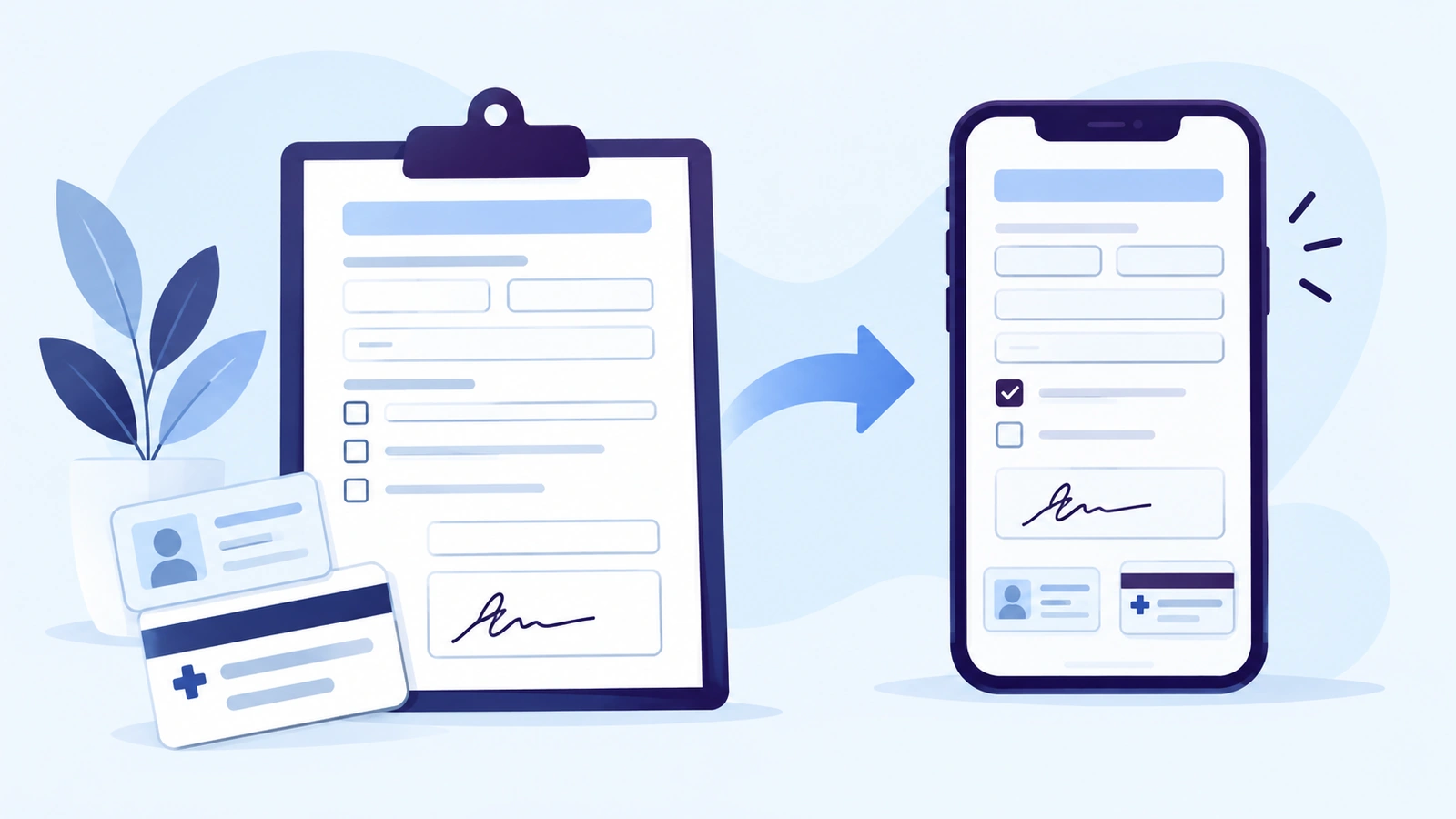
New patient paperwork is where many first visits start late. The patient gets a clipboard, writes the same address twice, leaves the insurance card in the car, and the front desk retypes everything while the next patient waits. A good patient intake form template fixes half of that problem: it asks only for what your practice needs, in an order patients can follow. Collecting it before the visit fixes the other half.
Below is a section-by-section template you can adapt to your specialty, a checklist of the new patient paperwork to send before the first appointment, and a few rules that keep intake forms short enough for patients to finish.
What a patient intake form should include
Most outpatient practices need the same nine blocks. Specialty practices add their own clinical questions to the health history.
- Patient information
- Contact details and communication preferences
- Emergency contact
- Insurance information
- Photo ID
- Reason for visit and referral
- Health history
- Consents and acknowledgments
- Payment information (optional)
Patient intake form template, section by section
Use the table as a starting point. “Required” reflects what most practices need to register and bill a new patient; adjust it to your own workflow.
| Section | Fields | Required? |
|---|---|---|
| Patient information | Legal name, preferred name, date of birth, sex, home address | Yes |
| Contact | Mobile phone, email, preferred contact method, consent to texts | Yes |
| Emergency contact | Name, relationship, phone | Yes |
| Insurance | Plan, member ID, group number, policyholder, card front and back | If you bill insurance |
| Photo ID | Driver’s license or other government ID | Usually |
| Reason for visit | Main concern, referring provider, referral letter | Yes |
| Health history | Medications, allergies, conditions, surgeries, family history | Your clinical team decides |
| Consents | Consent to treat, privacy notice acknowledgment, financial policy | Yes |
| Payment | Card authorization for future charges | Optional |
1. Patient information
Ask for the legal name exactly as it appears on the insurance card, plus a preferred name if the patient uses one. Date of birth and home address help match the patient to their insurance and prevent duplicate records. Keep demographic questions to what your clinical and billing workflows actually use.
2. Contact details and communication preferences
A mobile number and an email address are what make appointment reminders, forms and payment requests possible later. Ask how the patient prefers to be contacted and record their consent to receive text messages, so your team knows which channel it can use.
3. Emergency contact
Name, relationship and phone number. One contact is enough for most outpatient visits.
4. Insurance information
Plan name, member ID, group number, and the policyholder’s name and date of birth when the patient is a dependent. Ask for photos of the card, front and back: the back usually lists the phone numbers and claims address your billing team needs. Collecting the card is not the same as checking coverage, so leave time for that step before the visit.
5. Photo ID
A photo of a driver’s license or other government ID helps the front desk confirm identity at check-in and lowers the chance of billing the wrong policy.
6. Reason for visit and referral
A short free-text field for the main concern, the name of the referring provider, and an upload field for the referral letter when the patient’s plan requires one. Ask for what helps the provider prepare; detailed clinical questions belong in the visit itself.
7. Health history
Current medications with doses, allergies and reactions, ongoing conditions, past surgeries, and relevant family history. This is the section where specialties differ most: a dermatology practice asks about skin history, a physical therapy clinic about injuries and prior treatment. Let your clinical team decide which questions are required.
8. Consents and acknowledgments
The usual set is consent to treat, an acknowledgment that the patient received your Notice of Privacy Practices, your financial and cancellation policy, and consent to texts and email. Practices that offer video visits often add a telehealth consent. The wording should come from your own policies and be reviewed by whoever handles compliance for your practice; a template is a checklist, not legal language.
9. Payment information
If you keep a card on file for copays, deposits or balances, add a card authorization form that explains when the card may be charged. Keep it separate from the rest of the intake so patients clearly understand what they are agreeing to.
New patient paperwork checklist
Send these together, ideally with the appointment confirmation, so the patient can finish everything in one sitting:
- Patient intake form (sections 1–7 above)
- Consent to treat
- Notice of Privacy Practices acknowledgment
- Financial and cancellation policy
- Consent to texts and email
- Insurance card, front and back
- Photo ID
- Referral letter, if the plan requires one
- Card authorization form, if you keep a card on file
How to keep an intake form short enough to finish
- Ask once. If the patient gave their name, phone and date of birth when booking, do not ask again.
- Mark required fields. Require what you truly use and remove the rest; optional-looking fields get skipped anyway.
- Use plain language. “Medicines you take now” is easier to answer than “current pharmacotherapy”.
- Branch questions. Show policyholder fields only when the patient is not the policyholder, and the referral upload only when a referral is needed.
- Design for a phone. Most patients open the link on a phone, so use short fields and photo uploads instead of scans and printouts.
Paper or digital intake forms?
Both can work. The difference is when the information arrives and how much of it your front desk has to retype.
| Paper at check-in | Digital before the visit | |
|---|---|---|
| Completed | In the waiting room | At home, before arrival |
| Missing documents | Found at check-in | Visible in advance |
| Data entry | Staff retype answers | Answers arrive typed |
| Signatures | Ink on paper | E-signature on the phone |
| Storage | Scanned or filed | Saved to the patient record |
How to get intake done before the patient arrives
Timing matters more than the template. Practices that collect paperwork before the first visit usually follow the same three steps:
- Send the forms with the booking. The confirmation includes a secure link to the intake forms, so the patient sees them while the appointment is fresh.
- Remind before the visit. A reminder a day or two before the appointment catches patients who started but did not finish.
- Check what is missing. The front desk reviews which forms and documents arrived and asks only for what is still missing.
This is how digital patient intake works in BestDoc. Forms go out when a patient books, patients complete them on their phone with e-signatures and photos of their ID and insurance card, and completed forms are saved to the patient’s record as PDFs. If something is missing, your team requests it again with one click. When patients book online, the forms are part of the same flow. For a broader look at digitizing paperwork, see our guide to intake forms and documentation.
Frequently asked questions
What should be included in a patient intake form?
Patient details, contact information, an emergency contact, insurance details with photos of the card, a photo ID, the reason for the visit, health history and signed consents. Many practices also add a card authorization form for future payments.
What is the difference between an intake form and a medical history form?
The medical history form is one part of intake. The intake form also covers the demographics, insurance, consents and payment details the front desk needs to register the patient.
Can patients fill out intake forms online?
Yes. Many practices send a secure link with the appointment confirmation, so patients complete the forms, sign them and upload their insurance card and ID on their phone before the visit.
Are electronic signatures valid on intake forms?
Confirm your forms with your compliance advisor.
How long should a patient intake form be?
As short as your workflow allows. Ask each question once, require only what you use, and leave detailed clinical questions for the visit. A form that takes a few minutes on a phone is far more likely to be finished before arrival.
See digital intake on a sample practice
We will show you the intake form your patients fill in and the staff view of their documents in a 15-minute demo. Book a 15-minute demo