
Best Medical Appointment Scheduling Software for Clinics in 2026
Compare 12 medical appointment scheduling software platforms for patient self-scheduling, reminders, EHR workflows, waitlists, and multi-location clinics.

Best medical appointment scheduling software: what clinics should compare first
Medical appointment scheduling software should do more than show open time slots. The right platform helps patients book without calling, gives staff control over provider calendars, reduces avoidable no-shows, and keeps appointment data consistent across the systems a clinic already uses.
This 2026 refresh focuses on the questions clinics are actually searching for now: patient self-scheduling, appointment scheduling software for medical offices, no-show reduction, waitlists, reminders, and whether a platform fits small practices, specialty groups, or multi-location clinics.
Use the quick-pick table first, then review the platform notes for implementation, integration, and patient-experience tradeoffs.
Quick picks by scheduling need
| Scheduling need | What to look for | Strong fit |
|---|---|---|
| Patient self-scheduling | Real-time availability, mobile booking, reminders, clean patient flow | BestDoc, Zocdoc, NexHealth |
| Reducing no-shows | SMS/email reminders, confirmations, cancellation fill, waitlist automation | BestDoc, Luma Health, Tebra |
| Multi-location scheduling | Provider/location rules, central visibility, role-based staff controls | BestDoc, NextGen, Skedulo |
| Small-practice setup | Fast setup, simple calendar workflows, clear patient communication | SimplePractice, PracticeQ, BestDoc |
The problem with manual scheduling
Manual scheduling creates friction in places patients and staff feel immediately: phones ring during busy hours, appointment rules live in staff memory, cancellations are filled too late, and patients cannot always book when they are ready.
- Phone bottlenecks: patients may call during peak hours and abandon the process before reaching staff.
- Administrative burden: teams spend time confirming, rescheduling, and checking availability across systems.
- No-show pressure: unconfirmed appointments and slow cancellation workflows leave expensive gaps on the calendar.
- Limited booking hours: patients often want to book evenings, weekends, or immediately after researching a provider.
- Fragmented data: calendars, patient forms, reminders, and payments can become separate workflows.
Good scheduling software reduces those gaps by making booking easier for patients while preserving the controls a clinic needs.
Healthcare appointment scheduling software comparison: top 12 for 2026
| Platform | Best For | Starting Price | Key Strength | Practice Size |
|---|---|---|---|---|
| Zocdoc | Patient discovery & booking | Free (doctor pay) | 175+ EHR integrations, AI scheduling | All sizes |
| BestDoc | Comprehensive patient management | Custom pricing | Multi-channel booking, queue management + EHR | All sizes |
| PracticeSuite | Small multi-specialty practices | $34.95/month | Affordable, all-in-one platform | Small to mid-size |
| MicroMD | Integrated practice management | Custom demo | Intuitive UI, comprehensive billing | Mid to large |
| NextGen Healthcare | Scalable solutions | Custom pricing | 50+ years experience, 100k users | Large enterprises |
| Skedulo | Mobile workforce & field staff | $59/user/month | Intelligent routing, real-time tracking | Healthcare networks |
| DoctorConnect | Real-time online scheduling | $210/month | FASTR real-time sync, COMPASS requests | All sizes |
| Luma Health | Patient engagement & automation | $250/month | Smart waitlist, 2-way messaging | All sizes |
| Tebra | Full-service practice management | 399/month | ONC-certified EHR+, complete platform | All sizes |
| SimplePractice | Mental health & therapy practices | 99/month | Purpose-built for therapists, telehealth | Solo to small group |
| NexHealth | Multi-channel accessibility | $350/month (custom) | 24/7 booking, real-time availability | Mid to large |
| PracticeQ | Behavioral health specialists | 79.90/month | Affordable, Google Calendar sync | Small practices |
Read also: Top AI Call Center Solutions for Healthcare
Detailed platform reviews
1. Zocdoc
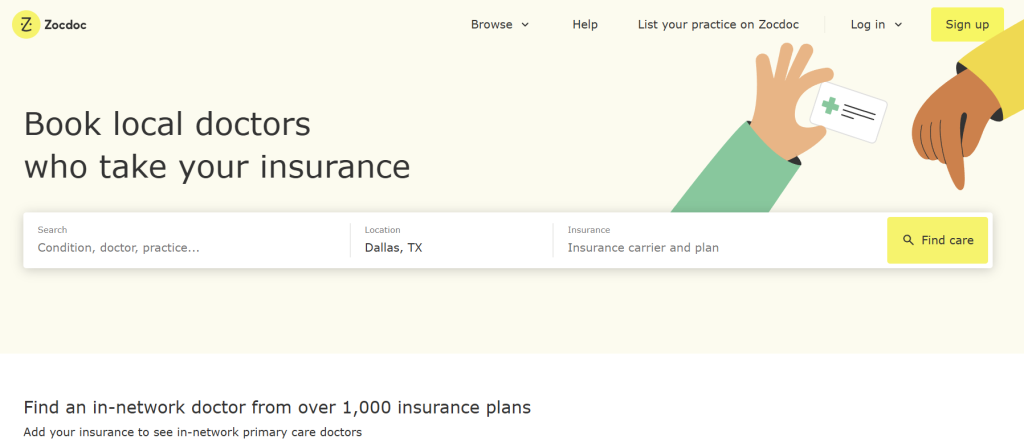
Best For: Patient discovery, marketplace reach, and practices seeking maximum booking channels
Overview
Zocdoc is the leading healthcare marketplace where millions of patients monthly search for and book appointments. Founded in 2007, it has become synonymous with online doctor scheduling, with 175+ calendar integrations and partnerships with major health plans including Blue Shield of California.
Core Features
- Live availability synchronization across 175+ EHR and practice management systems
- AI appointment scheduler (“Zo”) launched January 2025—handles unlimited inbound calls 24/7 with natural language understanding
- Multi-channel booking through Zocdoc.com, mobile app, health plan portals, Google Business Profiles, and insurance directories
- Real-time appointment display with 90-day booking window
- Automated reminders and confirmation workflows
- Insurance verification and in-network provider matching
- Review management and provider ratings
Pros
- Massive patient reach: Millions of patients use Zocdoc monthly
- Multiple booking touchpoints: Patients can book via Zocdoc platform, health plan portals, Google, or directly on provider websites
- Advanced AI capabilities: Zo voice assistant handles complex scheduling conversations naturally
- Free for patients: No patient friction barriers
- Proven track record: 18+ years of refinement and improvement
Cons
- Doctor pay model: Providers pay to advertise appointment slots
- Limited control: Less customization than dedicated practice management systems
- Not a complete EHR: Scheduling only—requires separate system for clinical documentation
Pricing
- Free for patients
- Doctors pay to list appointments (pricing varies by geography and specialty)
- Volume-based pricing for large practices and health systems
Real-World Impact
Blue Shield of California integrated Zocdoc into its member portal, providing 1 million+ bookable hours within 90 days to insured patients. Typical appointments book within 24-72 hours of request.
User Reviews
Patients and providers consistently praise Zocdoc’s ease of use, appointment availability visibility, and the seamless booking experience. Recent feedback highlights strong satisfaction with the new Zo AI assistant.
2. BestDoc
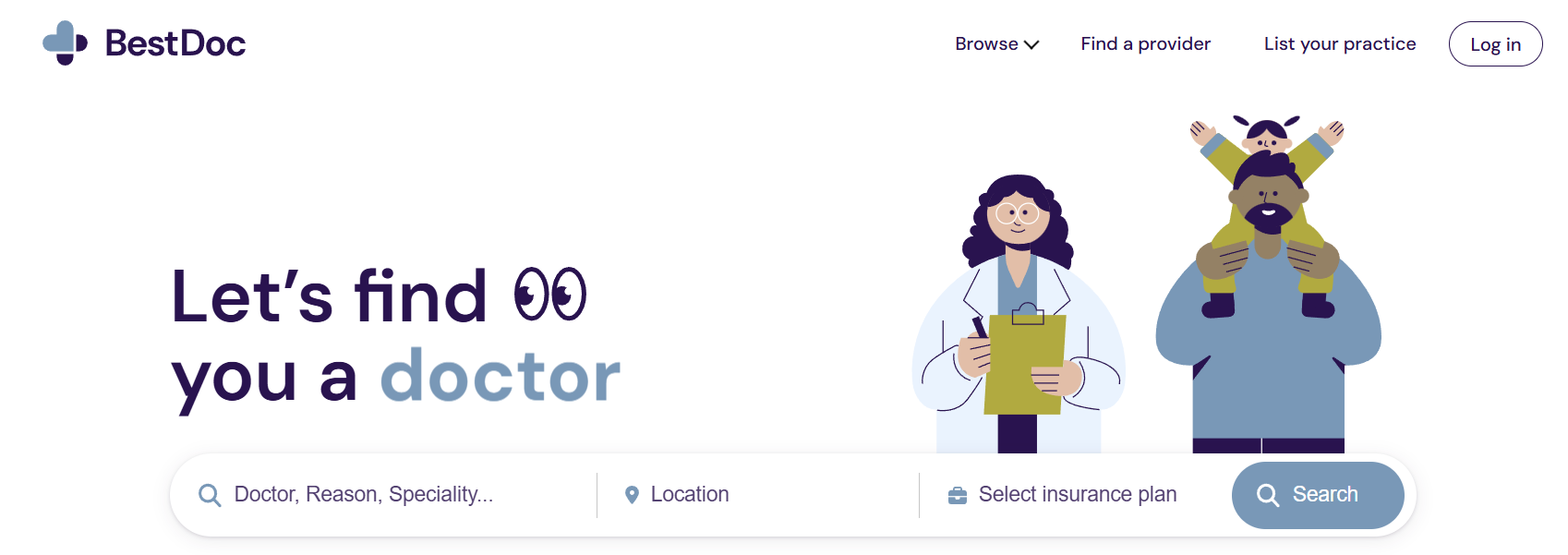
Best for: clinics that want online booking, patient communication, schedule control, waitlists, payments, and growth tools in one operational system.
Overview
BestDoc is built for medical practices that need more than a public appointment page. It connects patient booking, staff scheduling, communication, intake, waitlist fill, and payment workflows so teams can manage demand without adding more front-desk work.
Core features
- Online booking from the clinic website with appointment rules that match real provider availability.
- Schedule and patient communication tools for confirmations, reminders, and follow-up workflows.
- Waitlist management to help fill cancellations and recover open time.
- Payments and documentation workflows for clinics that want booking and operations closer together.
- Practice-growth features that connect patient demand to bookable appointments.
Pros
- Unified workflow: scheduling, communication, waitlists, and payments can be managed in one system.
- Good fit for growth: useful when a clinic wants online booking to support patient acquisition, not only internal calendar control.
- Operational visibility: staff can see appointment demand and patient flow more clearly.
Cons
- Custom pricing: clinics need a demo to confirm scope, implementation, and cost.
- Implementation planning: practices with complex schedules should map appointment rules before launch.
Pricing
BestDoc pricing is custom and depends on clinic size, workflows, and selected modules.
Ideal for
Small and mid-sized practices, specialty clinics, and multi-provider teams that want patient self-scheduling connected to the operational workflows around the appointment.
3. PracticeSuite
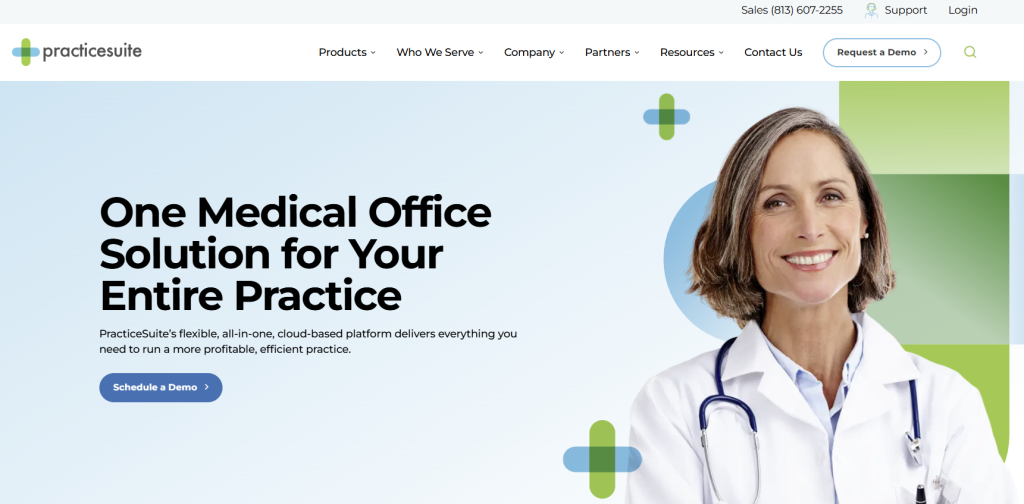
Best For: Small to mid-size medical practices seeking affordable all-in-one solutions
Overview
PracticeSuite is a cloud-based medical practice management and EHR platform offering scheduling, billing, patient portal, and clinical documentation in one integrated system. It’s particularly popular with billing services and small medical groups.
Core Features
- Intuitive appointment scheduling with drag-and-drop interface
- First-available scheduling algorithm for efficient patient matching
- Recurring and follow-up appointments management
- Separate provider schedules with multi-location support
- Patient check-in/check-out workflow automation
- Automated patient reminders (SMS, email, phone)
- Color-coded time slots for quick visual management
- Multiple views (daily, weekly, monthly)
- Integrated patient portal for online scheduling requests
- Billing and claims management with insurance eligibility verification
- EHR with lab integration and health maintenance tracking
Pros
- Affordable entry point: Starting at $34.95/month makes it accessible to small practices
- All-in-one solution: Eliminates need for multiple vendors
- User-friendly interface: Minimal training required
- Dedicated success coach included with subscription
- Customizable for different specialties
Cons
- Limited customization for highly specialized workflows
- Smaller vendor means fewer integrations than enterprise platforms
- Scaling costs increase significantly as practice grows
Pricing
- Practice Edition: $34.95/month (basic scheduling and patient management)
- Facility Edition: $49.95/month (multi-location support)
- EHR packages: Custom pricing for enhanced clinical features
- All plans include: Success coach, training, and support
User Reviews
Small practices praise PracticeSuite’s affordability and comprehensive feature set. Users consistently note the value for money and responsive customer support.
4. MicroMD

Best For: Practices needing integrated scheduling with comprehensive revenue cycle management
Overview
MicroMD Practice Management (PM) is a cloud-based healthcare IT platform connecting scheduling, patient management, and billing into one cohesive system. It’s designed for medical practices, community health centers, and billing services.
Core Features
- Intelligent patient waiting lists matching appointment duration, physician, time, and location
- Template-based schedule views (by day, week, location, or provider)
- Color-coded appointment displays for instant visual organization
- Online patient scheduling through secure patient portal
- Automatic eligibility verification checking insurance coverage before visits
- Appointment reminders via email, SMS, or voice
- Digital patient intake automating registration and check-in
- Patient payment collection at point-of-care with payment plans
- Claims submission and management through preferred clearinghouses
- Real-time claims status checks directly from billing records
Pros
- Intuitive scheduler design: Staff quickly learns the system
- Integrated billing: Claims-to-payment in single platform
- Flexible customization: Practices can set parameters specific to their needs
- Robust reporting: Financial and productivity dashboards
- Patient self-service: Reduces front desk volume
Cons
- Pricing not transparent: Requires demo for quotes
- Implementation timeline: Setup and training take 4-6 weeks
- Enterprise-focused: May be overkill for solo practices
Pricing
- Custom pricing based on practice size and features
- Typical range: 800/month for small practices; 5,000+/month for larger groups
- Implementation and training costs apply
Real-World Use
Practices using MicroMD report 30%+ reduction in administrative time spent on scheduling and billing, directly improving profitability.
5. NextGen Healthcare
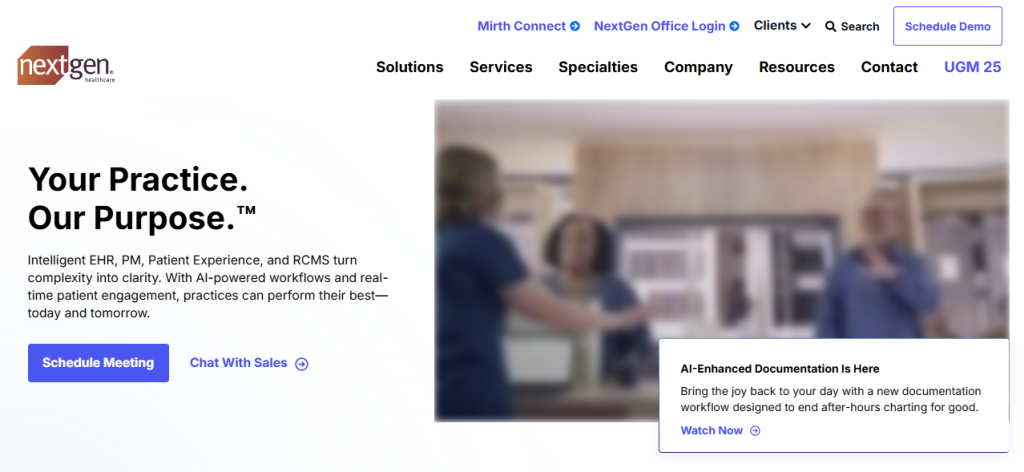
Best For: Enterprise health systems and large medical groups requiring scalable solutions
Overview
NextGen Healthcare is the industry veteran with 50+ years of experience serving large healthcare organizations. With 100,000+ users and a network of 1 million connected caregivers, it’s built for healthcare providers demanding flexibility, clinical quality, and scale.
Core Features
- NextGen Self-Scheduling (powered by Luma Health partnership) for patient online booking
- Flexible scheduling handling multiple providers, room/equipment assignment, and specialty-specific workflows
- Customizable appointment types for different visit durations and specialties
- Integrated patient portal with scheduling, messaging, test results, and health information
- Telehealth integration for seamless virtual visit scheduling
- Advanced reporting with deep analytics on provider utilization and patient access
- Multi-location coordination with centralized oversight
- Clinical decision support integrated with scheduling workflows
Pros
- Deep market presence: Trusted by 100,000+ providers
- Enterprise features: Handles complex multi-specialty, multi-location environments
- Integrated ecosystem: All clinical, scheduling, and billing functions in one platform
- Continuous innovation: Regular updates aligned with healthcare market evolution
- Industry partnerships: Relationships with major vendors and health plans
Cons
- Steep learning curve: Comprehensive feature set requires dedicated training
- Implementation timeline: 3-6 months typical for enterprise deployments
- Pricing: Not transparent; typically higher than mid-market alternatives
Pricing
- Custom enterprise pricing based on number of providers, locations, and features
- Typical range: 10,000+/month for mid-size practices; higher for large systems
- Implementation, training, and support additional
Ideal Customers
Multi-specialty health systems, large hospital networks, and integrated delivery networks requiring comprehensive integrated solutions.
6. Skedulo
Best For: Healthcare networks and home health organizations with mobile workforces
Overview
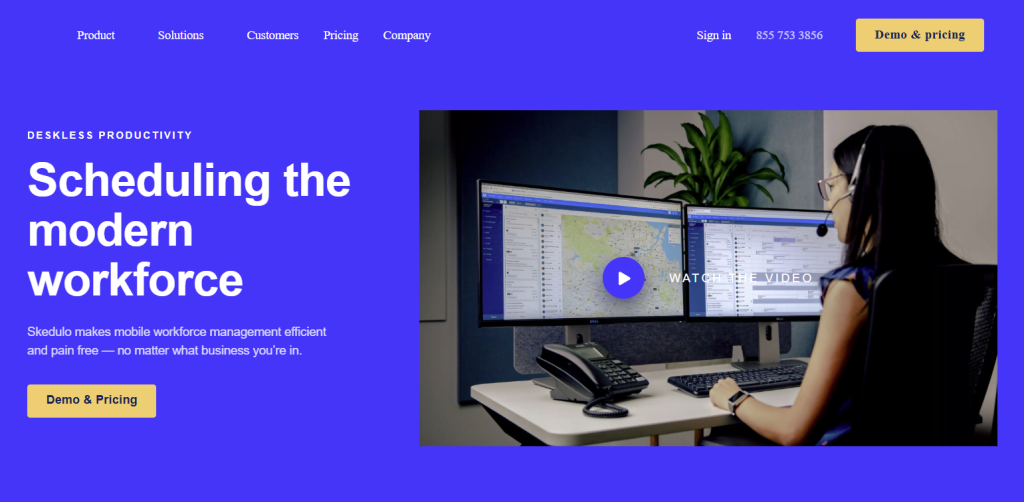
Skedulo is an intelligent workforce scheduling platform purpose-built for healthcare and home health agencies. It optimizes appointment allocation based on travel time, provider skills, and patient preferences while providing real-time field team coordination.
Core Features
- Intelligent scheduling engine matching providers to patients based on clinical needs, travel time, and skills
- Mobile app for iOS and Android with offline capabilities
- Real-time location tracking and status updates
- Optimized routing reducing travel time and increasing visits per day
- Mobile charting with support for dictation and custom forms
- Patient matching by preferred provider and clinical history
- Shift and roster management with capacity scheduling
- Salesforce native integration (Skedulo runs on Salesforce platform)
- API integrations with other business systems
- HIPAA compliant with enterprise-grade security
Pros
- Optimization focus: Actively increases provider efficiency and patient capacity
- Salesforce foundation: If practices already use Salesforce, integration is seamless
- Mobile-first design: Field staff get all needed information on phones/tablets
- Real-time updates: Patients and providers always see current status
- Scalable: Works equally well for 10 or 10,000 mobile workers
Cons
- Healthcare-specific focus: Not ideal for office-based scheduling without field component
- Pricing model: Per-user-per-month can get expensive with large teams
- Implementation: Requires Salesforce expertise or hiring implementation partner
Pricing
- Scheduler role: Contact for pricing
- Mobile worker role: Contact for pricing
- Per-user monthly model with volume discounts
- Typical range: 150/user/month depending on features
Ideal For
Home health agencies, hospice organizations, community health centers with mobile workforces, and practices managing remote field staff.
7. DoctorConnect
Best For: Practices seeking real-time online scheduling with low administrative overhead
Overview
DoctorConnect specializes in patient engagement and appointment management with two proprietary scheduling engines: FASTR (real-time) and COMPASS (appointment requests). It’s designed to reduce phone volume while filling calendars automatically.
Core Features
- FASTR Real-Time Scheduler: Live availability synced from EHR/PM, bookings write directly back
- COMPASS Request Scheduler: Patients request appointments online; staff reviews before confirming
- Industry-leading appointment reminders: Customizable via SMS, email, or voice
- Interactive reminder confirmations: Patients confirm/cancel/reschedule directly from reminder
- Digital patient forms integrated into workflow
- Automated waitlist with first-come invite automation
- Telehealth integration for video visit scheduling
- Copay collection before or after visit
- Automated recall messaging bringing patients back on schedule
- After-care surveys with reputation management and negative feedback alerts
Pros
- Minimal manual intervention: FASTR writes appointments directly to EHR
- Reduces phone volume dramatically (50-80% reduction typical)
- Comprehensive reminder ecosystem: Industry-leading customization
- Fills cancellations fast: Automated waitlist matching
- HIPAA compliant with secure patient communications
Cons
- EHR integration required: Needs FHIR API access to function optimally
- Learning curve: Staff training needed on request vs. real-time workflows
- Ongoing management: Reminder settings and business rules need maintenance
Pricing
- Starting at $210/month for basic deployment
- Custom pricing based on volume and features
- Typical mid-size practice: 1,500/month
Real-World Results
Dental and medical practices using DoctorConnect report 60-80% reduction in phone scheduling calls, 25-30% reduction in no-shows, and 10-15% calendar utilization improvement.
8. Luma Health
Best For: Healthcare organizations prioritizing patient engagement and workflow automation
Overview
Luma Health is a cloud-based patient success platform enabling healthcare organizations to automate and orchestrate the entire patient journey. With bidirectional EHR integration, advanced AI, and deep customization capabilities, Luma powers scheduling, reminders, patient communication, and waitlist management.
Core Features
- Smart appointment reminders with AI-powered optimization
- Customizable patient scheduling forms guiding patients through booking
- Web scheduler with ZIP code-based filtering and provider sorting
- Smart waitlist automatically matching cancelled appointments to interested patients
- Two-way text messaging enabling real-time patient communication
- Automated intake forms collecting information before appointments
- Recall campaigns for patient outreach and follow-ups
- EHR integration (bidirectional) with major platforms
- Online review management protecting practice reputation
- Telehealth integration for virtual visit scheduling
- Analytics dashboard tracking engagement and outcomes
Pros
- Patient-centric design: Improves patient satisfaction and health outcomes
- AI-powered optimization: Smart waitlist and reminder systems increase efficiency
- Comprehensive integration: Works with all major EHRs
- Customizable workflows: Adapts to practice-specific needs
- Proven ROI: 25-35% no-show reduction, 30-40% increased capacity
Cons
- Higher price point: Starting $250/month is steep for small practices
- Complex implementation: Requires 2-3 months onboarding for full benefit
- Customization complexity: Advanced features need IT support to optimize
Pricing
- Starting at $250/month
- Custom pricing based on features, EHR integration, and practice size
- Typical mid-size practice: 2,000/month
User Testimonials
Healthcare leaders report Luma transformed patient engagement, cutting no-shows in half and improving appointment reminders effectiveness. Integration with EHRs eliminated duplicate data entry.
9. Tebra
Best For: Private practices seeking a complete operating system for clinical and business management
Overview
Tebra (formerly Kareo) is an ONC-certified all-in-one platform combining EHR, practice management, patient engagement, and revenue cycle management. It’s designed from the ground up for private practices of all sizes and specialties.
Core Features
- Online appointment scheduling accessible via website, Google, social media, email, and SMS
- Customizable availability based on appointment type, duration, and provider
- Automated appointment reminders via multiple channels
- Digital patient intake reducing paperwork and wait times
- Telehealth integration for seamless virtual visit scheduling
- Real-time provider availability updating continuously
- Digital check-in before appointments
- Integrated patient messaging for pre-visit communication
- Billing and revenue cycle management (superbills, claims, payments)
- Clinical charting with customizable templates
- Patient portal for secure health information access
Pros
- Complete ecosystem: Eliminates vendor fragmentation
- ONC-certified: Meets federal EHR requirements
- Affordable entry: Starting at 399/month
- Scalable: Grows with practice from solo to multi-location
- Strong customer success: Responsive support team
- Continuous innovation: Regular updates based on provider feedback
Cons
- Feature complexity: Advanced features have learning curve
- Implementation time: 2-4 weeks setup for average practice
- Training required: Staff need orientation to maximize benefits
Pricing
- Starting at 399/month per provider
- Minimum monthly fee of $150 for practices without active providers
- Billing companies: Separate pricing structure
- Implementation and training included
Real-World Success
Small therapy and medical practices report using Tebra reduced charting time from 30 minutes to 5 minutes per patient, freeing clinical time while improving billing accuracy.
10. SimplePractice
Best For: Mental health professionals, therapists, and counselors
Overview
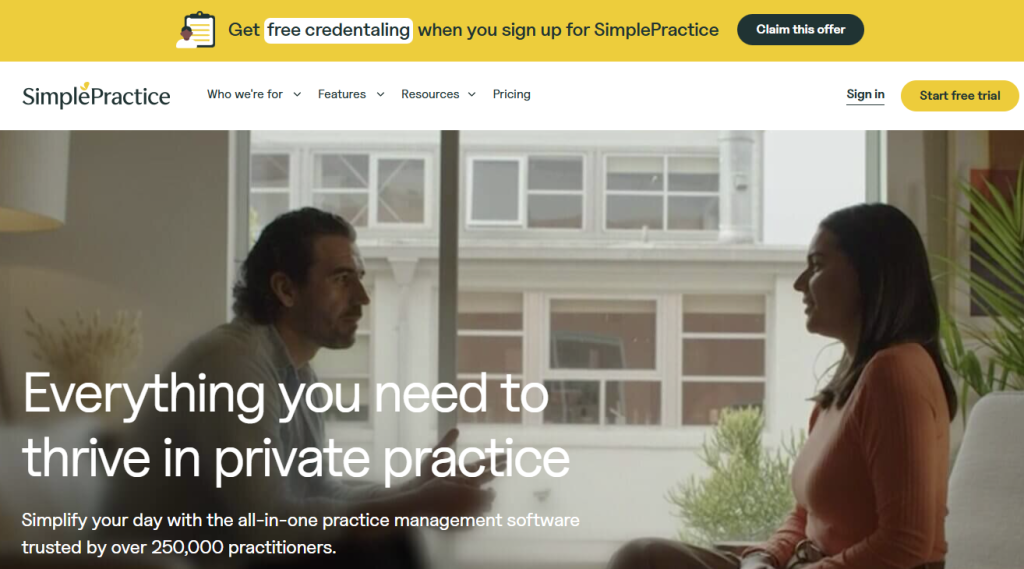
SimplePractice is purpose-built for behavioral health providers (therapists, counselors, psychologists, social workers). It provides integrated scheduling, billing, documentation, telehealth, and secure messaging tailored to therapy practice workflows.
Core Features
- Color-coded calendar scheduling with flexible time management
- Individual, couple, and group session support with recurring sessions
- Customizable appointment types linked to service codes
- Online booking requests (client-approved appointments)
- Client waitlist for schedule management
- Automated reminders (SMS, email, voice) with client confirmation/cancellation
- Calendar syncing (Google, Outlook, Apple)
- Secure client messaging integrated with portal
- HIPAA-compliant telehealth supporting individual and group sessions
- Progress note templates including SOAP, DAP, and custom formats
- AI note-taker for session transcription and summarization ($35/month)
- Treatment planning with Wiley integration (1,000+ pre-written goals)
- Insurance billing with automated claim creation
- Client portal for appointment requests, form submission, secure messaging
Pros
- Specialty focus: Every feature designed for therapy workflows
- Affordable: 99/month pricing is very competitive
- Free trial: 7-day trial without credit card
- Integrated telehealth: No separate video platform needed
- Purpose-built billing: Handles therapy insurance complexity
- Strong mobile apps: iOS and Android clients included
Cons
- Therapy-only focus: Limited for medical practices
- Limited customization: Standardized approach may not fit unique workflows
- Recent pricing increases: User complaints about rising costs
- Limited integrations: Fewer EHR partnerships than competitors
Pricing
- Starter Plan: $49/month (scheduling, notes, basic features)
- Essential Plan: $79/month (+ reminders, client messaging, analytics)
- Plus Plan: $99/month (+ treatment planning, advanced features)
- Add-ons: ePrescribe (35/month)
- 50% discount for first 12 months after free trial
Ideal Customers
Solo therapists, group therapy practices, counseling centers, and any behavioral health provider managing 1-50 clinicians.
11. NexHealth
Best For: Practices prioritizing 24/7 online accessibility and real-time appointment sync
Overview
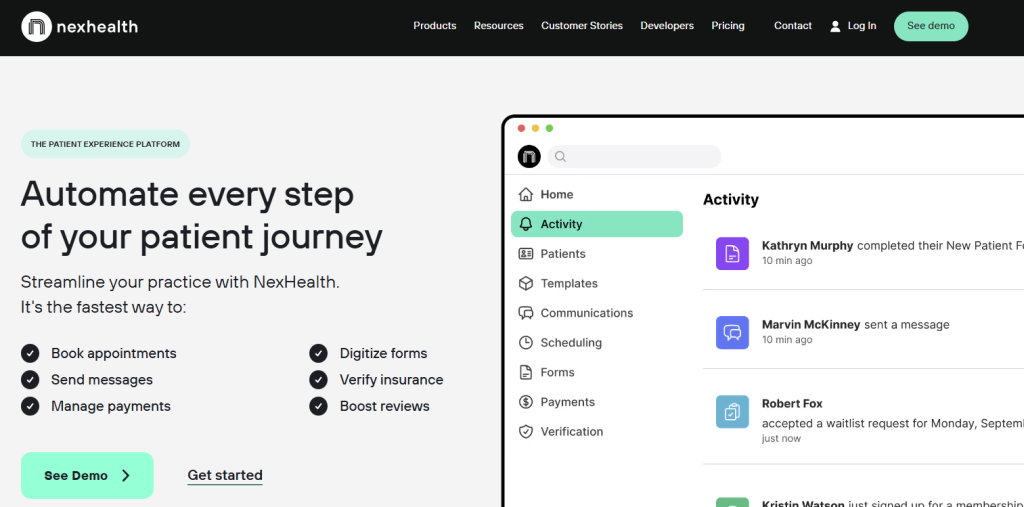
NexHealth is an all-in-one patient engagement platform enabling practices to offer 24/7 online appointment booking with real-time availability. The platform offers customizable scheduling, automated reminders, patient communications, telehealth, and billing integrated with EHR systems.
Core Features
- 24/7 online patient booking with real-time availability updates
- Multi-channel accessibility (website, social media, email, SMS, QR codes, Google My Business)
- Customizable booking calendars by appointment type, duration, and provider
- One-click booking for recalled patients
- Automated reminders reducing no-shows
- Dynamic waitlist with instant alerts for cancellations
- Patient forms and intake automation
- Telehealth video visits with HIPAA compliance
- Online billing and payment collection
- Secure patient messaging and communication
- Real-time calendar sync every few minutes with EHR
- Healthcare marketing tools including email and SMS campaigns
Pros
- Always-on accessibility: Patients book 24/7 without staff intervention
- Real-time synchronization: Minutes-level updates prevent double-booking
- Comprehensive platform: Covers scheduling through patient communication and billing
- Strong integrations: Works with major EHR systems
- Professional design: Modern, intuitive user experience
- Customization: Flexible for different practice types and workflows
Cons
- High starting price: $350/month minimum is steep for small practices
- Complex implementation: Requires 4-6 weeks for full integration
- Learning curve: Staff and patients need orientation
- Feature overwhelm: May include capabilities small practices don’t need
Pricing
- Starting at $350/month with custom pricing models
- Build-your-own-package selecting features (scheduling, forms, communications, payments, verification)
- Large enterprise: Contact for volume-based pricing
- No long-term contracts: Cancel anytime
Ideal Customers
Mid-size to enterprise medical practices, specialty groups, and healthcare networks wanting comprehensive patient engagement.
12. PracticeQ
Best For: Behavioral health providers and small practices seeking affordable, HIPAA-compliant scheduling
Overview
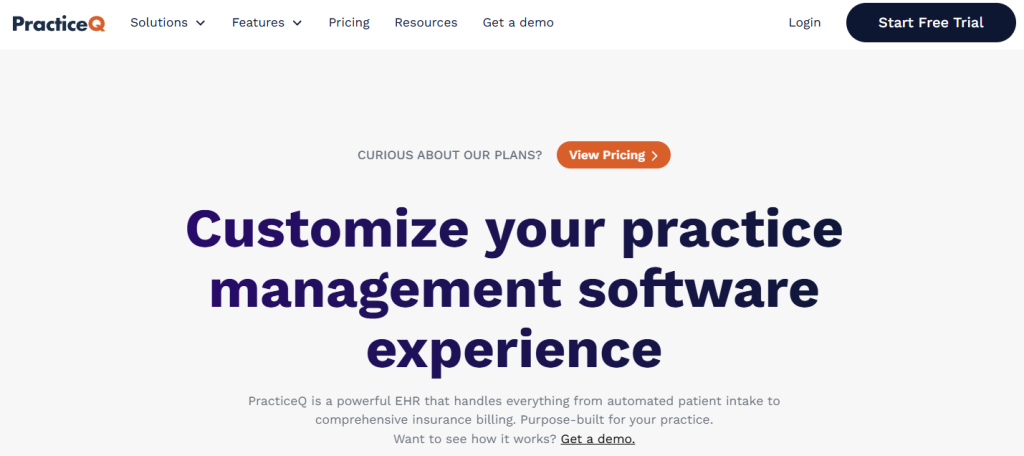
PracticeQ is a streamlined practice management and scheduling solution designed specifically for behavioral health, chiropractic, and physical therapy practices. It emphasizes affordability, ease of use, and HIPAA compliance with essential features only.
Core Features
- Automated appointment booking with 24/7 online scheduling
- Google Calendar two-way sync blocking time off across platforms
- HIPAA-compliant online booking showing only available time slots to patients
- Recurring appointment support for regular therapy sessions
- Customizable appointment reminders (SMS, email, voice)
- Patient confirmation and cancellation management
- Drag-and-drop calendar management for manual scheduling
- Multiple practitioner support with team calendar view
- Client intake forms digital submission
- Billing and invoicing integrated with appointments
- Automatic claim generation for insurance billing
- Payment collection integrated with appointments
- Therapy notes and documentation templates
- Patient database management
Pros
- Budget-friendly: 90/month is among the lowest-cost options
- Simple interface: Minimal learning curve for staff and patients
- No contracts: Cancel anytime with flexibility
- HIPAA native: Built with compliance built-in
- Google Calendar integration: Syncs with existing tools
- Purpose-built for therapy: Understands behavioral health workflows
Cons
- Limited features: Not suitable for complex multi-location medical practices
- Smaller vendor: Fewer integrations and less development resources
- Basic reporting: Limited analytics compared to enterprise platforms
- Customer support: Response times slower than larger vendors
Pricing
- Low Volume Plan: $54.90/month (up to 25 appointments/month per provider)
- Standard Plan: $79.90/month (up to 500 appointments/month per provider)
- No setup fees or contracts
- Monthly billing with cancel-anytime flexibility
Real-World Use
Therapy practices and small clinics using PracticeQ cut scheduling time by 50% while improving appointment confirmations. The low cost makes it ideal for bootstrapped practices.
Choosing the Right Platform: Evaluation Framework
Selecting the ideal medical appointment scheduling software requires assessing your practice’s specific needs:
1. Practice Size & Structure
- Solo practitioners: BestDoc, SimplePractice, PracticeQ, Zocdoc
- 2-10 providers: BestDoc, PracticeSuite, DoctorConnect, Luma
- 11-50 providers: Tebra, NexHealth, MicroMD, BestDoc
- 50+ providers/health systems: NextGen, Skedulo, BestDoc
2. Practice Type & Specialty
- Mental health/therapy: SimplePractice (purpose-built) , BestDoc
- Chiropractic/physical therapy: PracticeQ, SimplePractice, BestDoc
- Primary care: Tebra, PracticeSuite, Zocdoc, BestDoc
- Specialty practices: NextGen, Tebra, MicroMD
- Home health/mobile: Skedulo
- Large hospital systems: NextGen
3. Integration requirements
- Existing EHR/practice management: Choose system that integrates with your current platform
- Salesforce ecosystem: Skedulo (native integration)
- Multiple EHR compatibility: Zocdoc (175+ integrations), Luma, NexHealth, BestDoc,
- Standalone scheduling: DoctorConnect, PracticeQ work independently
4. Key decision points
| Decision Factor | Best Options |
|---|---|
| Patient reach/discovery | Zocdoc, BestDoc |
| Affordability | SimplePractice, PracticeQ, PracticeSuite |
| All-in-one solution | Tebra, SimplePractice, NexHealth, BestDoc |
| Enterprise complexity | NextGen, BestDoc, Skedulo |
| AI-powered optimization | BestDoc, Zocdoc (Zo), Luma, Skedulo |
| Specialty focus | SimplePractice (therapy), Skedulo (mobile) |
| Ease of implementation | DoctorConnect, PracticeQ, SimplePractice |
Frequently Asked Questions
Q: Do I need a separate scheduling system if I already have an EHR?
A: Not necessarily. Many modern EHRs include integrated scheduling. However, dedicated scheduling platforms often provide superior patient experience features, advanced reminders, and waitlist management. Evaluate whether your EHR’s scheduling capabilities meet your needs or whether a specialized platform would provide meaningful benefits. Many practices use both systems in tandem.
Q: What is HIPAA compliance in appointment scheduling software?
A: HIPAA compliance means the software encrypts sensitive patient data in transit and at rest, maintains detailed audit trails of who accesses data and when, implements access controls limiting staff to necessary information, and provides a Business Associate Agreement (BAA) confirming the vendor agrees to follow HIPAA rules. All 12 platforms reviewed are HIPAA compliant with BAAs included.
Q: How can appointment scheduling software reduce no-shows?
A: Modern scheduling software reduces no-shows through:
- Automated reminders (SMS, email, voice) sent 24-48 hours before appointments
- Confirmation requests requiring patient acknowledgment
- Two-way reminders allowing patients to confirm or cancel via reply
- Smart scheduling showing confirmed appointments in patient calendars
- Waitlist automation quickly filling cancellations, preventing empty slots
- Patient education about cancellation policies and expectations
Practices typically see 20-30% no-show reduction after implementing scheduling software.
Q: Can patients book appointments on nights and weekends?
A: Yes, all 12 platforms enable true 24/7 scheduling. Patients can book available appointments anytime. Practices control which time slots are available by setting provider availability and appointment types. For example, you might block 9am-5pm weekdays for new patients but open 8am-6pm for existing patients. Complete flexibility.
Q: What’s the difference between real-time and request-based scheduling?
A:
- Real-time scheduling (Zocdoc, DoctorConnect FASTR, NexHealth, BestDoc): Patient sees available slots and books instantly. Appointment writes directly to EHR. Reduces friction but requires tighter EHR/PM integration.
- Request-based scheduling (DoctorConnect COMPASS, SimplePractice): Patient submits appointment request. Staff reviews and confirms. Keeps staff in control of calendar but requires manual follow-up.
Most modern systems default to real-time for better patient experience.
Q: How long does implementation typically take?
A:
- Quick implementations (SimplePractice, PracticeQ): 1-2 weeks setup and training
- Standard implementations (Tebra, DoctorConnect, Luma): 2-4 weeks
- Complex implementations (NextGen, BestDoc, Skedulo): 6-12 weeks for enterprise deployments
Typical small-practice implementation: 2-3 weeks.
Q: Can I integrate multiple appointment scheduling platforms?
A:Generally not recommended. Multiple systems create patient confusion, data sync issues, and staff inefficiency. Most practices pick one primary scheduling platform. If you need specialized features (e.g., marketplace reach via Zocdoc + internal scheduling via another system), ensure bidirectional integration between them.
Q: What training do staff require?
A: Most platforms require:
- 2-4 hours initial staff training (scheduling, patient communications, reports)
- Weekly check-ins first month (2-3 hours total)
- Ongoing training for new features and optimization
All 12 vendors provide training resources including documentation, videos, webinars, and live support.
Q: How do these systems handle multi-location practices?
A: All 12 platforms support multi-location scheduling. Capabilities include:
- Centralized view of appointments across all locations
- Patient preference setting (preferred location, provider)
- Interlocked calendars preventing double-booking across locations
- Location-specific branding for patient portals
- Centralized analytics by location
Q: Which platform offers the best patient experience?
A: From a patient perspective, the best platforms share common traits:
- Mobile-friendly interfaces (all 12 do this well)
- Minimal form fields (Zocdoc, NexHealth, Luma excel here)
- Multiple booking channels (Zocdoc, NexHealth, Tebra)
- Fast confirmation (real-time systems like Zocdoc, DoctorConnect FASTR)
- Clear communication (SimplePractice, Luma, Tebra)
For patient satisfaction, Zocdoc, NexHealth, and SimplePractice consistently rate highest.
Q: Can scheduling software help with insurance eligibility verification?
A: Sometimes. Some scheduling platforms include eligibility workflows directly, while others connect to eligibility checks through an EHR, practice management system, clearinghouse, or partner integration. Before choosing a vendor, ask whether eligibility verification is native, partner-based, or handled in your existing system, and confirm how the result appears to front-desk staff before the visit.
Conclusion: choose the scheduling software your team will actually use
Healthcare appointment scheduling software has matured from a calendar add-on into a patient-access system. The best choice is not always the platform with the longest feature list. It is the one that matches your practice size, appointment rules, staff capacity, patient expectations, and integration reality.
Before signing a contract, compare each finalist on five practical questions: can patients book the right visit online, can staff keep control of the calendar, can cancellations be filled faster, can reminders reduce avoidable no-shows, and can the platform show whether appointment demand is improving?
If your clinic wants online booking, waitlists, reminders, payments, and patient-growth workflows in one operational system, request a BestDoc demo and compare it against your current scheduling process.